Introduction
If you are choosing an Image to Video API in 2026, quality alone is no longer enough. The best models now compete on motion realism, consistency, camera control, audio support, generation speed, and how easy they are to integrate into a product. That is exactly why this category matters to developers, startups, creative teams, and AI platforms: the right model can change both your output quality and your cost structure.
ModelHunter is a unified API layer for video, image, and audio models, and its live model market already highlights brands including Vidu, Seedance, Kling, Seedream, Gemini, and Wan, with image-to-video as a first-class API category.
Instead of judging models only by flashy demos, this guide focuses on what matters in real usage: features, pros and cons, best-fit workflows, pricing visibility, and current availability. For teams evaluating which model to ship into a product or workflow, these are the 10 image-to-video models worth watching in 2026.
Quick comparison table and summary
At a high level, the market splits into a few clear groups. Seedance 2.0, Runway Gen-4 and Gen-4.5, Google Veo 3.1, and OpenAI Sora 2 are the strongest picks for premium quality and higher-end control. Kling 3.0 and Luma Ray 3.14 stand out for cinematic motion and visual polish. Vidu Q3, Pika 2.5, and Wan 2.6 are especially appealing when speed, affordability, or product flexibility matter. Adobe Firefly remains the safest fit for brand-conscious commercial teams because Adobe continues to position Firefly around commercially safer generation and Creative Cloud integration.
| Model | Best for | Main strength | Main tradeoff |
|---|---|---|---|
| Seedance 2.0 | Cinematic control | Multimodal references and director-level shot control | Complex-scene consistency is still difficult |
| Runway Gen-4 / Gen-4.5 | Reliable production workflows | Strong continuity from a single image and polished product UX | Motion can feel safer and more restrained |
| Google Veo 3.1 | Enterprise API deployment | Premium model quality plus Google ecosystem support | Longer or denser sequences still drift |
| OpenAI Sora 2 | Broad creator plus developer use | Strong range across consumer and API workflows | Temporal consistency is still imperfect in busy scenes |
| Kling 3.0 | Dramatic cinematic motion | Realism, energy, and social-video-friendly momentum | Less exact fine-grained control |
| Luma Ray 3.14 | Aesthetic storytelling | Motion that feels designed rather than merely animated | Less suited to dense, rigidly controlled action |
| Vidu Q3 | Cost-aware storytelling | Long clips, native audio, and practical value | Lower polish ceiling than the top premium tier |
| Pika 2.5 | Fast creator iteration | Speed, accessibility, and expressive effects | Lower realism and control ceiling |
| Wan 2.6 | Multi-mode video products | Unified family across T2V, I2V, and V2V | Breadth does not always beat the best specialist |
| Adobe Firefly Video | Commercial workflows | Ecosystem fit and brand-safe positioning | More conservative motion ambition |
Detailed review on each model
1. Seedance 2.0
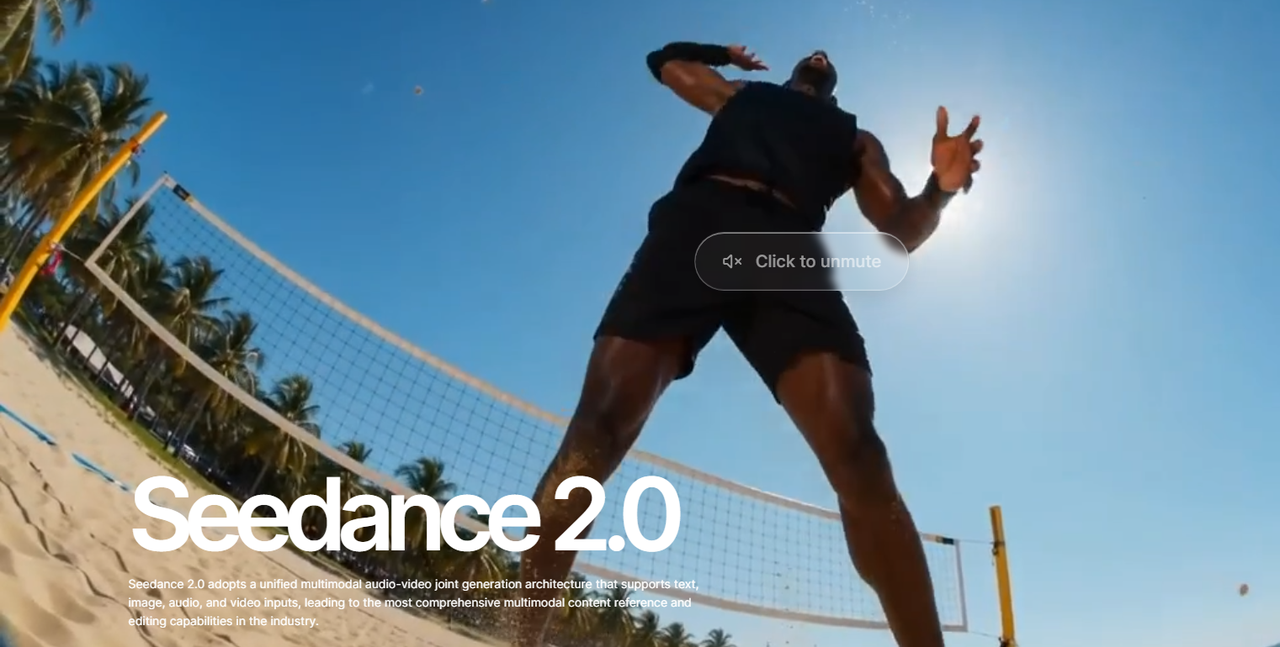
Seedance 2.0 looks like the most control-heavy model in this group. ByteDance positions it around multimodal reference inputs, including images, audio, and video, with director-level control over performance, lighting, shadows, and camera movement. That matters because most image-to-video tools still behave like glorified animation engines, while Seedance is clearly aiming at shot design and guided cinematic generation.
Its biggest strength is how seriously it treats references. If your workflow starts from a still image but you also care about mood, motion language, sound, and shot composition, Seedance is one of the few models positioned to handle that as a unified creative task rather than a one-click conversion. That makes it especially compelling for ad creatives, branded storytelling, and higher-end short video generation.
The main weakness is not concept, but execution under pressure. Advanced video problems still remain: fine-detail stability, multi-person consistency, and lip-sync precision in complex scenes are still hard. In practice, that means Seedance is strongest when you want cinematic direction and structured motion, but it is not yet a guarantee of flawless long or crowded sequences.
For API buyers, Seedance 2.0 is best understood as a premium creative engine rather than a low-friction commodity model. It is the sort of model you use when control quality matters more than the simplest cost predictability.
2. Runway Gen-4 / Gen-4.5
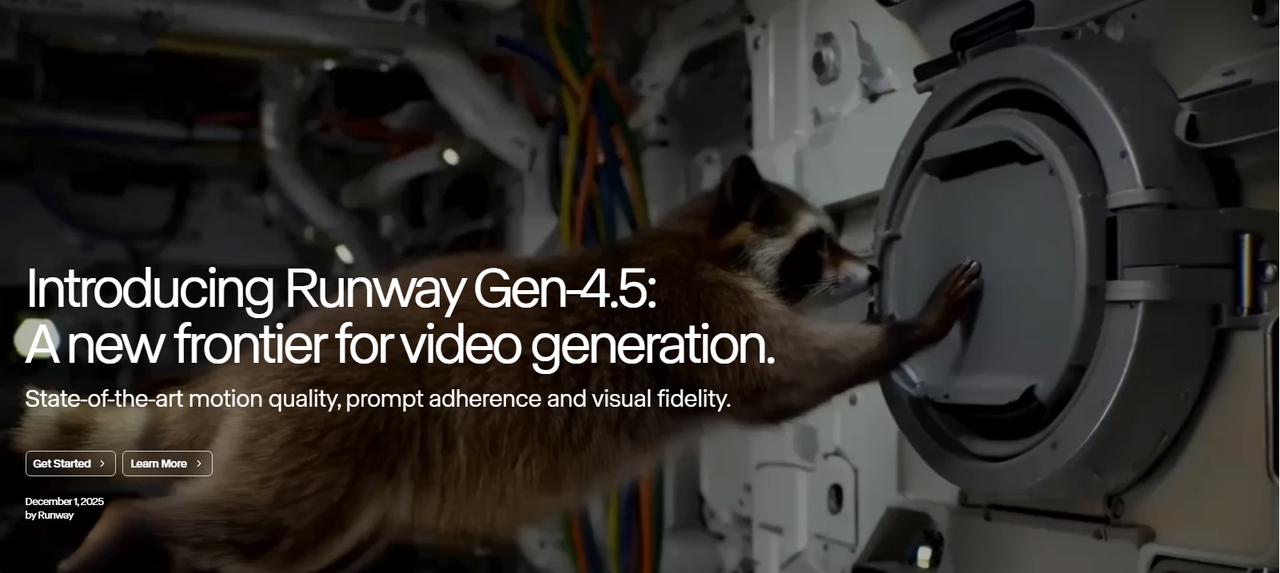
Runway remains one of the safest recommendations because it is not just a strong model family, but a mature product environment. Runway's Gen-4 positioning emphasizes consistent characters, objects, and locations from a single reference image, which is a real advantage for image-to-video users who need continuity rather than one-off lucky generations.
In actual use, Runway's biggest advantage is balance. It does not always try to be the most experimental or the most cinematic, but it is very strong at producing usable, repeatable results. That is valuable for product teams, agencies, and creators who need a dependable workflow more than a flashy demo. It is particularly good when you need an uploaded image to become a coherent short shot rather than a chaotic reinterpretation.
Its weakness is that its motion style can sometimes feel controlled to the point of restraint. In high-action scenes or highly specific motion prompts, Runway can lean smoother and safer rather than aggressive and dramatic. That is often good for production stability, but less exciting if you want strong cinematic exaggeration or very forceful physical movement from a still image.
For most teams, Runway is still one of the best default choices. It is not the cheapest, and it is not always the boldest, but it is one of the most polished end-to-end image-to-video platforms available.
3. Google Veo 3.1
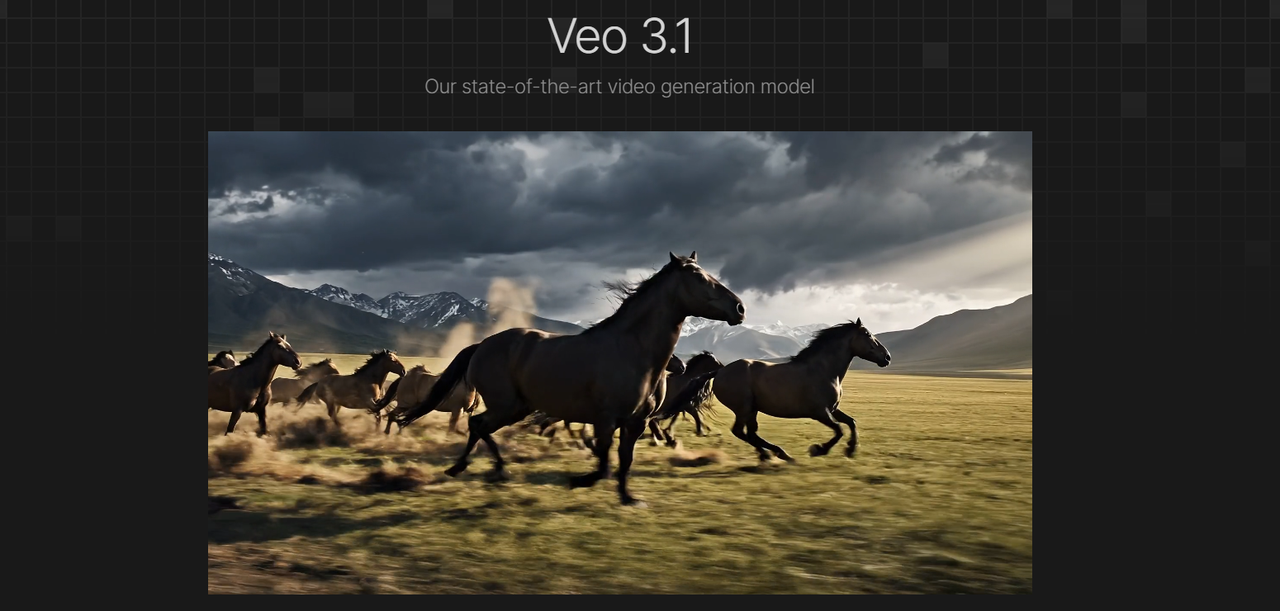
Google Veo 3.1 stands out because it feels like an enterprise-grade model rather than a creator toy. Google exposes Veo through its AI subscription ecosystem and Vertex-related tooling, and recent coverage highlights ongoing improvements such as 1080p support, vertical video support, and lower per-second pricing than earlier versions.
Its core strength is platform seriousness. Veo is appealing when you want image-to-video generation that can live inside a larger product or workflow backed by Google infrastructure. That makes it attractive for SaaS products, internal tooling, and developer-oriented deployments where reliability and future support matter as much as raw visual quality.
Where Veo still feels imperfect is long-sequence control. Like many top-tier models, it can still struggle with subject continuity and scene logic once shots become longer, more crowded, or more physically complex. In other words, Veo is strong at premium-looking clips, but that does not automatically mean it solves every hard continuity problem that appears after the first few seconds.
For API-first buyers, Veo is one of the strongest options in this list because it combines model quality with an ecosystem that feels built for real deployment, not just social sharing.
4. OpenAI Sora 2
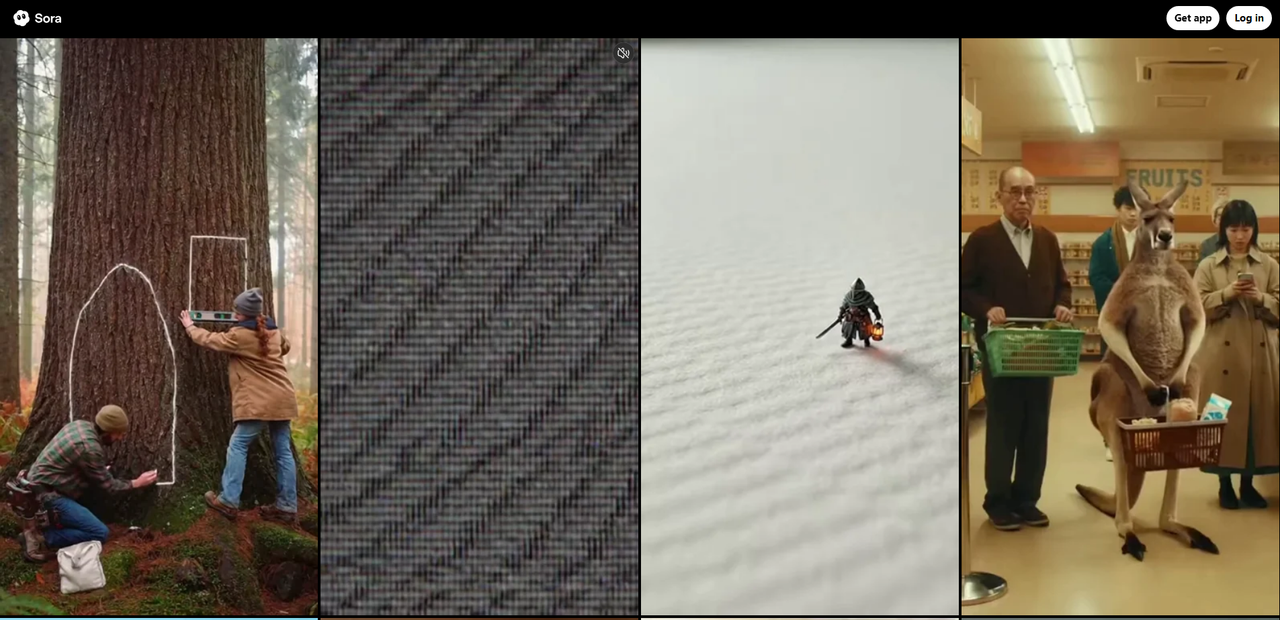
OpenAI Sora 2 is one of the most flexible options because it bridges consumer use and developer use unusually well. OpenAI's public materials show that users can upload an image to create videos, and the API pricing makes the model easier to evaluate commercially than many competitors.
The biggest advantage of Sora 2 is range. It can serve as a mainstream app experience for creators while also functioning as a serious API-backed model for teams building video features into products. That flexibility matters for marketplaces and platforms because one model can cover both internal testing and external product deployment.
Its video-generation weaknesses are the familiar high-end generative ones: temporal inconsistency, imperfect physics, and instability in busy scenes. OpenAI's tools are visually strong, but when you ask for precise crowd action, dense motion, or long logical sequences, the model can still drift or simplify motion in ways that break realism.
Sora 2 is one of the best all-around picks here. It may not always be the single best specialist for a specific look, but it is one of the easiest premium models to justify for both creators and product builders.
5. Kling 3.0
Kling 3.0 continues to stand out for realism and dramatic motion. Recent ecosystem pages describe it as a flagship-quality video model with stronger consistency, native audio support, and more photorealistic cinematic output, which fits the reputation Kling has built over the past year.
Its biggest appeal is how vivid it feels. Kling is often strongest when the goal is not just "move this image," but "turn this image into a cinematic clip with visible momentum." Human subjects, dramatic lighting, and social-video-friendly motion tend to benefit from that style. For products centered on visually impressive short video output, Kling is easy to understand as a premium offering.
The tradeoff is precision. Models with a strong cinematic bias sometimes overperform the drama of a scene at the expense of exact control. Kling can be less ideal when you need subtle action, restrained motion, or exact prompt obedience at a fine-grained level. It is often more compelling than literal.
That makes Kling 3.0 a strong choice for premium creator apps and visually bold consumer products, especially when realism and motion punch matter more than conservative predictability.
6. Luma Ray 3.14
Luma Ray 3.14 is one of the strongest models here for cinematic interpretation of still imagery. Luma's official materials say Ray 3.14 adds native 1080p generation, runs four times faster, is three times cheaper than before, and improves motion consistency, while Dream Machine continues to support generation from text, images, or clips.
The key advantage of Luma is aesthetic feel. It is very good at taking a still image and giving it motion that feels designed rather than merely animated. If your use case is visual storytelling, campaign imagery, concept art motion, or polished brand content, Ray 3.14 is often one of the most attractive options in the market.
Its weak point is dense control. Luma is excellent when the image-to-video task benefits from cinematic interpretation, but it is less naturally suited to crowded interactions, precise multi-character action, or rigid instruction-following across many moving elements. It is more of a storytelling model than a surgical motion model.
For creative teams that want good taste and motion polish from still images, Luma remains one of the best choices. For teams that need strict shot logic and controllable complexity, some rivals are stronger.
7. Vidu Q3
Vidu Q3 is one of the most practical models in this list. Its official page says it can generate 16-second videos with synced dialogue, voice-over, sound effects, and music, plus precise camera control. That is a strong package because many image-to-video tools still stop at short, silent visual clips.
What makes Vidu especially interesting is value relative to capability. The model combines longer generation, native audio, and creator-friendly workflows without positioning itself purely as a luxury product. For teams that want image-to-video with more storytelling range and better cost discipline, Vidu is easy to like.
Its limitation is ceiling. Vidu can do a lot, but in the most demanding scenes its motion realism and polish may not feel as refined as the most premium tiers from Seedance, Kling, Sora, or Luma. It is strong enough for many product use cases, but less likely to be the model that wins pure wow comparisons on its best day.
That said, Vidu may be one of the smartest choices for API buyers who want a practical balance of price, duration, audio support, and usable output. It is not just affordable; it is strategically useful.
8. Pika 2.5
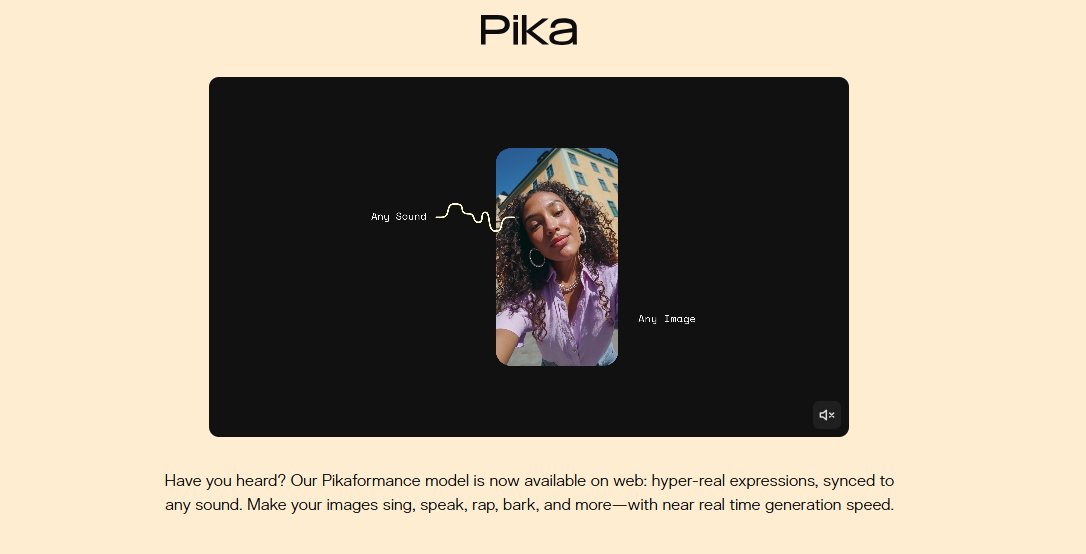
Pika 2.5 remains one of the most accessible image-to-video tools on the market. Its pricing and product pages emphasize broad access to Pika 2.5 features, creator-focused effects, and newer expressive features like Pikaformance, which can make images sing, speak, or sync to sound with near real-time generation speed.
The strength of Pika is speed and ease. It is an excellent model for creators who want to turn static images into lively clips without navigating a complicated production environment. It is also one of the easiest tools to recommend for experimentation, memes, social content, and lighter-weight visual content pipelines.
Its weakness is realism and control ceiling. Compared with higher-end cinematic models, Pika is more likely to show weaker subject consistency, less refined physical motion, and less precise directorial control. That does not make it bad; it just makes it better suited to fast, expressive generation than to premium film-style output.
Pika is best understood as a highly useful creator model rather than a top-tier cinematic engine. It is fun, effective, and fast, but not the strongest choice when the goal is maximum realism or exact motion choreography from a still image.
9. Wan 2.6
Wan 2.6 is one of the more interesting API-oriented entries because it is positioned as a unified video model family rather than a single narrow feature. Official and marketplace pages describe it as supporting text-to-video, image-to-video, and video-to-video workflows, with up to 15-second 1080p video and native synced audio.
Its biggest advantage is breadth. If you are building a product that needs multiple video-generation modes behind one interface, Wan 2.6 is easier to justify than a tool built mainly for one consumer-facing workflow. That makes it appealing to developers and API marketplaces that want one family covering several video use cases.
The downside is predictability of excellence. A model family that tries to cover many modes can be very useful, but it does not always feel as optimized as the best specialist in each individual category. For image-to-video specifically, the question is whether the output can consistently match the polish of the strongest premium rivals under difficult motion or cinematic demands.
Wan 2.6 is therefore less of a hype-first pick and more of a systems pick. It makes the most sense when you care about coverage, API structure, and product versatility across video workflows.
10. Adobe Firefly Video
Adobe Firefly Video is the most conservative model in this comparison, but that is exactly its value. Adobe's official image-to-video pages emphasize smooth dynamic video from original artwork or images, full-HD generation up to 1080p, and integration into the broader Firefly and Creative Cloud ecosystem. Adobe also continues to frame Firefly around commercially safer creative workflows and partner-model access inside its platform.
Its biggest strength is workflow trust. Adobe is not trying to be the wildest or most experimental video generator. Instead, it is building a system that fits how agencies, design teams, and enterprise creators already work. That makes Firefly particularly attractive when image-to-video is part of a broader design pipeline rather than a standalone AI-video obsession.
Its core weakness is motion ambition. Firefly-generated video tends to feel smoother and more controlled, but also more conservative. If you want dramatic cinematic motion, highly expressive physics, or the strongest AI wow factor, Firefly is often less aggressive than dedicated video-first rivals.
For many business users, that tradeoff is worth it. Firefly may not top pure creative-performance rankings, but it is one of the easiest image-to-video options to defend in commercial workflows where ecosystem fit matters as much as raw model style.
Which image-to-video model is best for API buyers?
For premium quality and advanced control, Seedance 2.0, Kling 3.0, Veo 3.1, and Runway remain the most compelling.
The practical takeaway is simple: the best model depends on what you are actually building. If your priority is cinematic control, lean toward Seedance or Kling. If you need predictable API economics, Vidu is easier to justify. If you want broad optionality across vendors and use cases, a multi-model API marketplace approach makes more sense than committing to a single closed ecosystem from day one.
Visit ModelHunter.AI: all-in-one AI API store
FAQ
What is the best image-to-video AI model in 2026?
There is no single universal winner, but Seedance 2.0, Kling 3.0, Runway Gen-4 and Gen-4.5, Veo 3.1, and Sora 2 are among the strongest options depending on whether you care most about control, realism, workflow maturity, or API access.
Which image-to-video model is most affordable?
Among the models with currently visible public pricing in this comparison, Vidu Q3 Turbo at $0.06/second on ModelHunter is one of the clearest API-priced options. Pika also has a lower-cost consumer entry point, while some premium models like Veo or enterprise-oriented platforms can become more expensive quickly.
Does ModelHunter support image-to-video APIs?
Yes. ModelHunter's live model market explicitly lists image-to-video API as a product category and currently features multiple relevant brands and models, including Seedance, Kling, Vidu, and Wan.